Departments
Departments help your organize access to data and functionality. Administrators can grand access to users to data and functionality per department. This way you can separate access to projects, campaigns, email to sms projects and numbers.
Create your departments
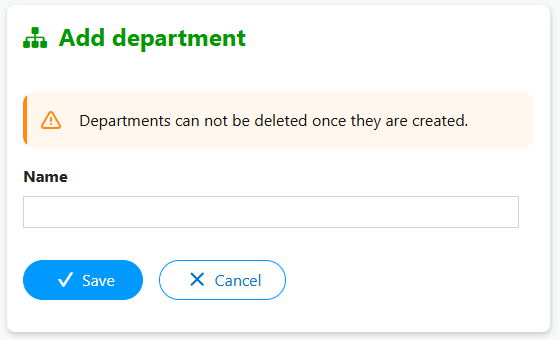
First you need to create new departments. Go to Organization > Departments and click 'Add department'.
Set account permissions
Once you set up your departments you can give accounts permissions for those departments. Go to Organization > Accounts. Edit one of the sub accounts.
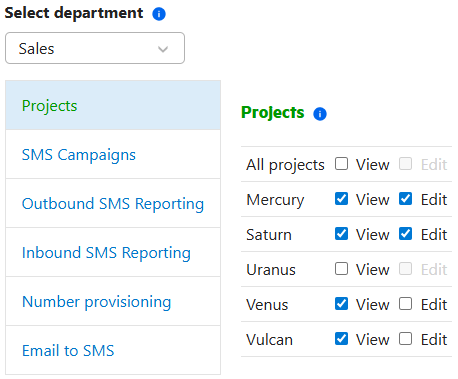
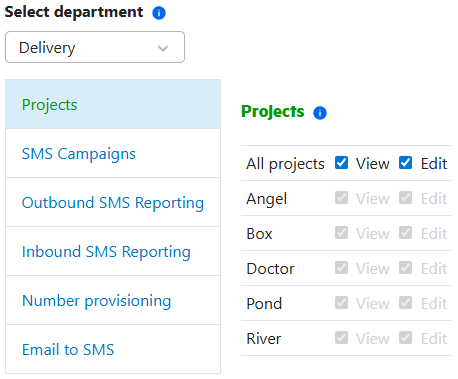
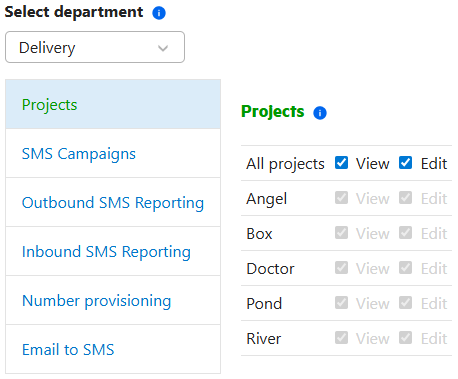
Select the department and add the permissions. You can give access to specific items or to all current and future items. Give accounts permissions only for the departments and items they need access to.
Set active department
If a user has permissions for multiple departments, the user can select in which department he currently wants to work by selecting the active department in the department selector on the top of the page.

Work in department
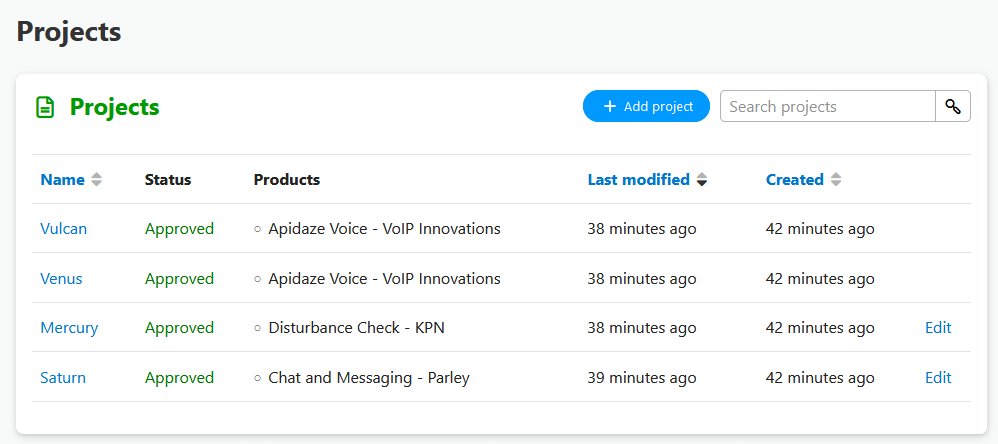
After selecting the active department, the user sees the items the user has permission for within the department, in this case the projects. Any newly created items are added to the active department.